Open-source IP intercom software
Sesameware is open-source IP intercom software for building secure access and video services at any scale — from a single house to apartment buildings, residential complexes, districts, and city-wide deployments.
It is designed for ISPs/telecom operators, property management companies, intercom vendors, and building owners who want a self-hosted, modular solution without vendor lock-in.
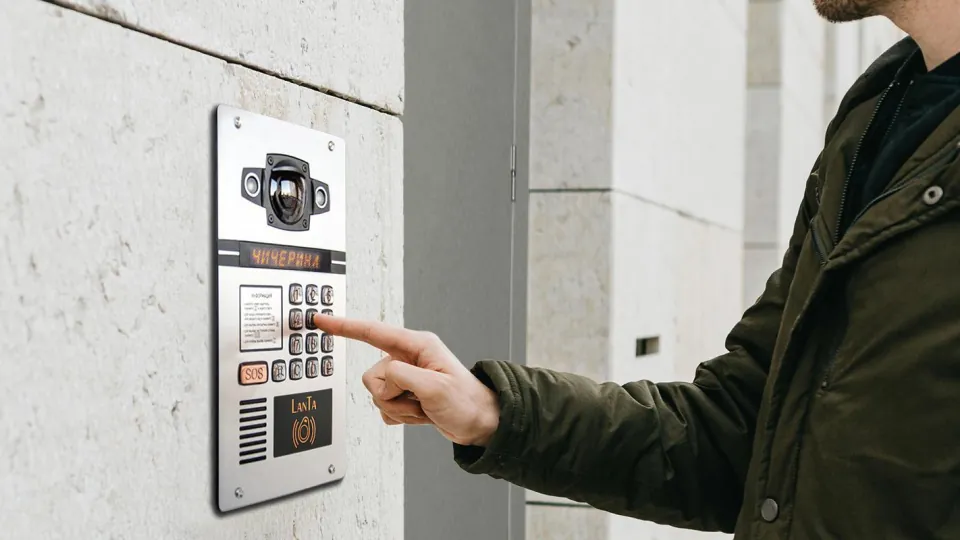
Why choose an open-source intercom platform
Sesameware separates the intercom backend, mobile clients, video archive, recognition and operator tools into components that can be deployed and updated independently. You keep the services on infrastructure you control, select the hardware and media server for each project, and integrate the platform with existing billing, CRM and access-control workflows.
This approach is useful when a proprietary cloud intercom would create a per-device dependency, restrict integration options or make a future migration difficult. Source access also lets an operator audit the software, build a branded client and adapt workflows for a particular city, residential portfolio or telecom network.
Free, self-hosted and extensible
The core RBT backend and the resident mobile applications are published as open-source projects. You can inspect, build and adapt the source code for your own deployment under the license of each repository. A production service still needs servers, domains, certificates, monitoring, mobile-store accounts and operational support, so free IP intercom software does not mean that infrastructure and maintenance have no cost.
Sesameware can be deployed by your own engineering team. Professional installation, branded application publishing, integrations and ongoing support are optional services rather than a requirement to keep using the platform.
What Sesameware provides
- IP intercom for entrances, gates, and barriers
- Video surveillance with a modern backend and admin interface
- Resident mobile apps (iOS/Android) with server selection or custom branding
- Desktop web client for security/concierge operators
- Tickets & field service workflow (RBT-TT) + technician PWA
- Optional face and license plate recognition (FALPRS)
- Integration-friendly architecture (billing/CRM/payments/external systems)
Platform products
Sesameware is a modular platform built from independent components:
- RBT — the core intercom backend and admin panel
- Media server / DVR — SesameDVR for IP-camera recording, live video over LL-HLS and WebRTC, archive playback, Flussonic API compatibility, ONVIF motion events, multi-disk archive storage and IPTV CatchUP archive scenarios. Flussonic and other media servers are also possible depending on deployment requirements.
- Encrypted video archive — for deployments with elevated privacy requirements, end-to-end encryption of RTSP camera archives lets Sesame Agent encrypt streams on the local network before upload; SesameDVR stores only encrypted segments, and the owner's private key never reaches the server.
- Video portal — SesamePortal for users, access groups, favorites, camera mosaic and map above one or multiple SesameDVR servers.
- FALPRS — optional face and license plate recognition module
- RBT-TT — ticketing and scheduling module + technician PWA
- Desktop web client — operator workstation UI (security/concierge)
- Resident apps — download and configure Teledom for iOS or Android
Server and client deployment paths
| Deployment | Recommended starting components | Typical expansion |
|---|---|---|
| House or pilot site | RBT, a supported intercom panel and Teledom | Add a media server when camera archive is required |
| Apartment building | RBT, SesameDVR and resident apps | Add recognition, operator tools and billing integration |
| Telecom or property portfolio | RBT, multiple media servers and branded apps | Add SesamePortal, RBT-TT, monitoring and custom integrations |
Residents use the iOS or Android client for video calls, door and barrier control, camera viewing and service functions exposed by their operator. Security and concierge teams can use the desktop web client, while administrators configure addresses, devices and users through RBT. Camera live view and archive are supplied by SesameDVR or another compatible media server.
Start with the deployment quick start, review the system requirements, and validate the selected intercoms, IP cameras and media server before a production rollout.
Supported hardware
See the list of compatible devices here: Supported hardware. Supported media servers: Media server compatibility.
Installation
Step-by-step installation guide: Install RBT System requirements: System requirements
Repositories
- RBT (SmartYard-Server): https://github.com/rosteleset/SmartYard-Server
- iOS app: https://github.com/rosteleset/SmartYard-iOS
- Android app: https://github.com/rosteleset/SmartYard-Android
- FALPRS: https://github.com/rosteleset/falprs
- SesamePortal: https://github.com/rosteleset/SesamePortal
- Technician PWA (RBT-TT): https://github.com/rosteleset/SmartYard-TT-PWA
- Desktop web client: https://github.com/rosteleset/SmartYard-Vue
- Web extensions for the mobile app: https://github.com/rosteleset/SmartYard-web
Services
Need help deploying or customizing Sesameware?
- installation and configuration
- mobile app branding/customization and store publishing
- regular updates and technical support
- custom development and integrations
See Services & pricing or Contact.
Common questions
Is Sesameware an intercom client or a complete system?
It is a complete modular platform. Teledom provides the resident mobile client, RBT provides the server and administration layer, and a compatible media server provides camera live view and archive. You can deploy only the components required for a particular project.
Can Sesameware run on private infrastructure?
Yes. The backend and video services are designed for servers controlled by the operator or building owner. Public DNS and TLS are normally required for mobile access, but the application data and video archive do not have to be hosted by a third-party intercom cloud.
Can an operator publish a branded mobile app?
Yes. The open-source iOS and Android projects can be configured with an operator name, icon, colors, service endpoints and store metadata. See the iOS customization examples and the available deployment services.