TeleDom iOS
A version with a neutral brand and an operator selection screen.
Ideal for those who don’t want to bother with publishing their own app.
Project History
This app was originally commissioned by the telecom operator LanTa (Tambov, Russia) from the mobile development studio MadBrains (Ulyanovsk) in 2020 for a smart intercom project.
It started as an MVP capable of receiving video calls from Beward IP intercoms, opening doors, gates, and barriers, accepting payments from clients, verifying user access to addresses, submitting service connection requests, displaying surveillance cameras with archive access, receiving and displaying text notifications, chatting with the operator, configuring intercom settings, and managing access for other apartment residents.
Later, we began to develop the project independently and add new features.
We introduced panoramic cameras, an event log, facial recognition settings, Siri and Shortcuts integration, and continuously fixed bugs that appeared over time.
In October 2021, we decided to open-source our project and invited everyone interested in building similar services not to “reinvent the wheel,” but to join us in improving the project, sharing ideas and technical solutions.
At that time, about 65,000 users living in houses equipped with our company’s intercom and surveillance systems were already using the app.
In September 2022, we released an OEM version of the TeleDom app for operators who want to try the product in action before publishing their own version on app stores.
App Features
- Two user role categories: Owner and Resident. Each apartment can have one Owner — the person listed on the account. The Owner can add or remove Residents. A Resident can only remove themselves.
- Owners are added to apartments via the operator’s admin panel after signing a contract. It’s also possible to add an Owner using the contract number and password for an existing service (internet or TV) at the address. If a new Owner is added, they take over all ownership rights.
- Residents can be added in three ways:
- By the Owner in the app’s access settings.
- By scanning a QR code of the apartment in the app.
- By the Operator’s staff upon proof of residence (registration or recent utility bill).
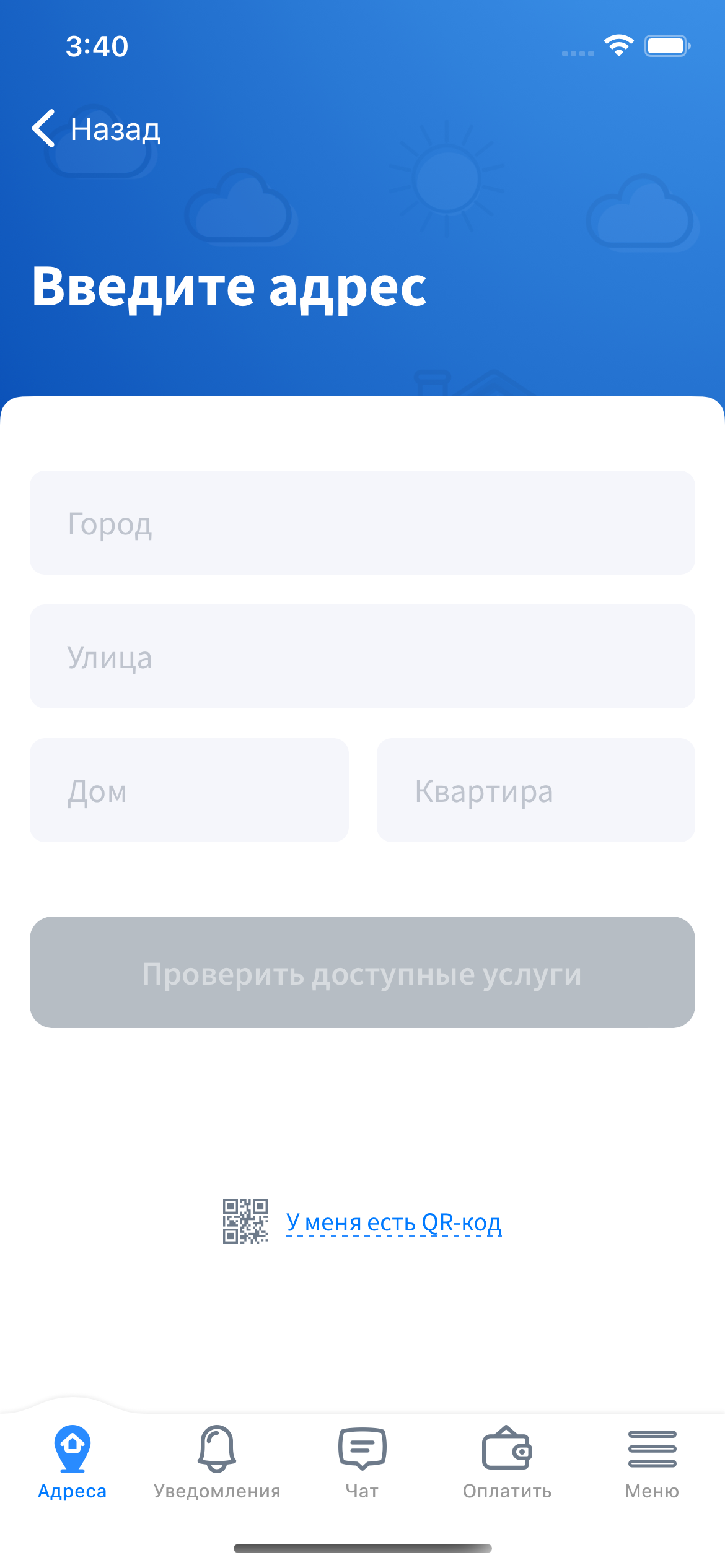
- When adding a new address, the user specifies it, and the system checks available services. If an internet/TV/phone contract is needed, the app automatically submits a connection request. Once approved, the address is confirmed and added. If only intercom access confirmation is needed, a request is made for delivery of the apartment’s personal QR code to the user’s mailbox.
- Each user can be linked to multiple apartments with corresponding permissions.
- The app receives incoming intercom calls (unless disabled in the settings).
- The incoming call screen supports both landscape and portrait orientations.
- Audio automatically switches between speakers and earpiece depending on proximity.
- Users can see the caller’s video before answering.
- Two call delivery modes are supported: via Push Notification (like WhatsApp video call) or VoIP-Push + CallKit (like WhatsApp audio call).
- Before answering, the video peephole mode starts a slideshow from the intercom camera (typically 2–3 fps depending on connection speed).
- After answering, video and audio switch to SIP media streams.
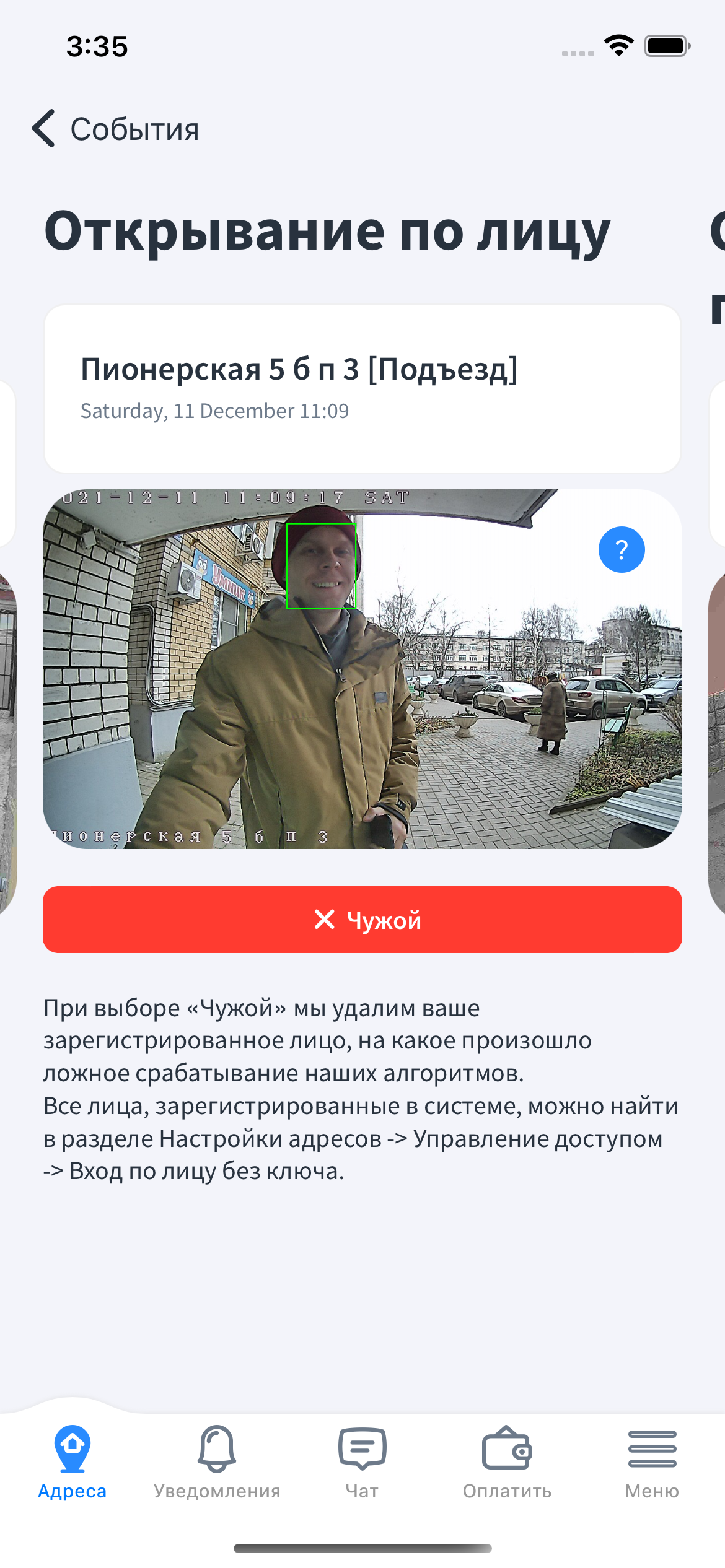
- Each address has an event log with video or snapshots at the moment of the event.
- For each apartment, users can:
- Change access codes.
- Enable “Guest Mode” (auto-open for 1 hour).
- Share temporary gate/barrier access via a special phone number.
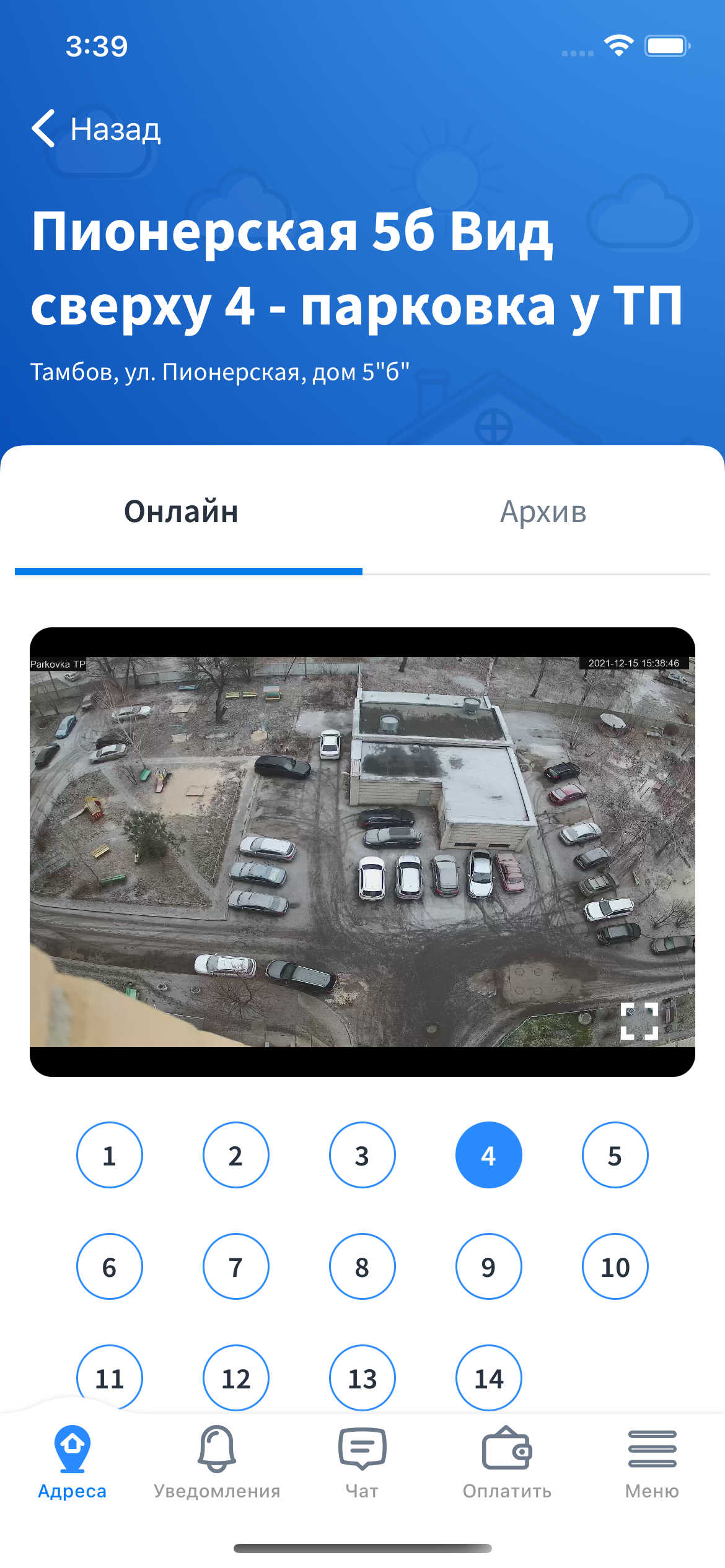
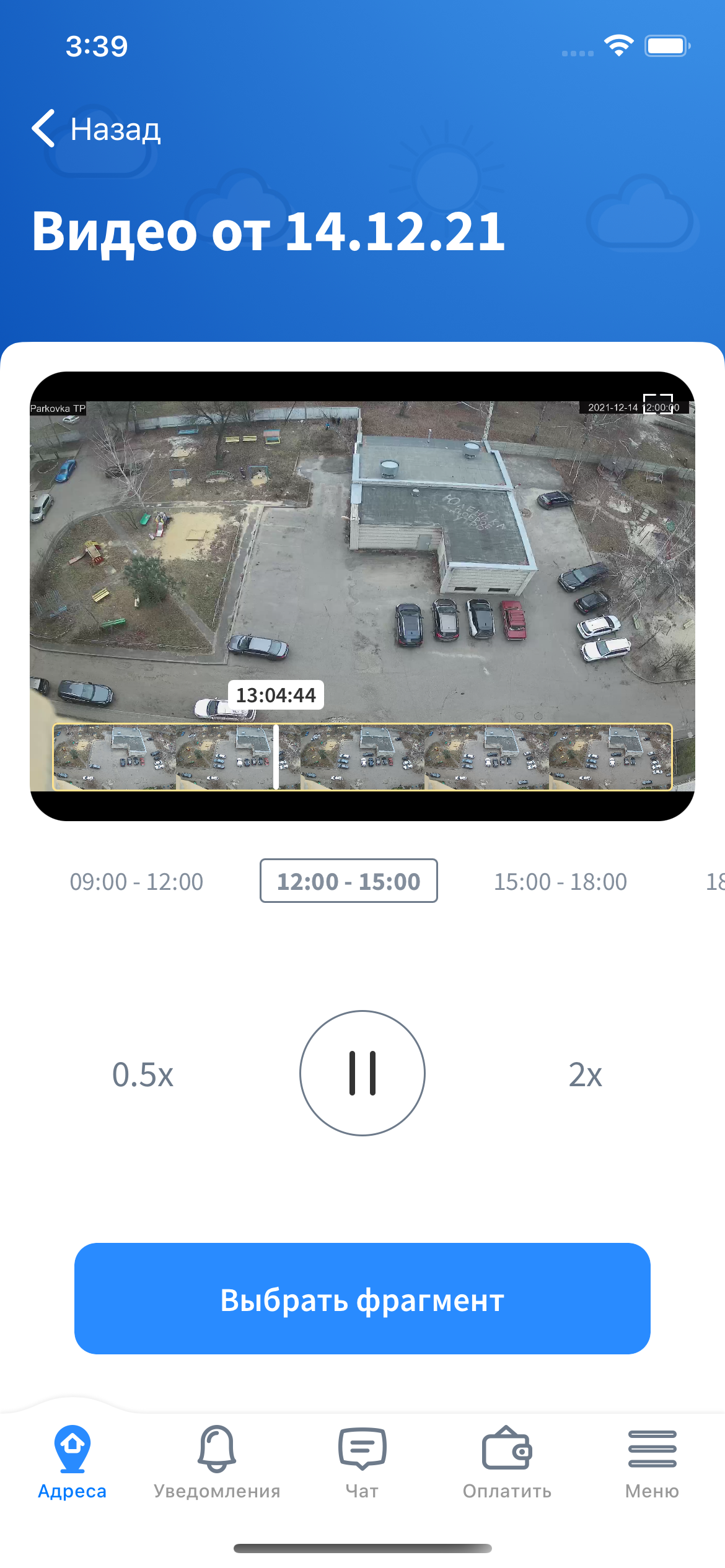
- If surveillance cameras are available, the app shows a map with camera locations, live view, and archive playback.
- Video viewing supports pinch-to-zoom gestures, seamless archive navigation, and interval loading for available footage.
- In the archive, users can select video fragments and receive a download link via notification.
- The Notifications tab displays a web-view with the user’s notification history (received as Push Notifications).
- The Chat tab contains an embedded me-Talk web chat (same as on our main website).
- The Payments tab shows all linked accounts with balance, Apple Pay payments, and a link to the user’s personal account.
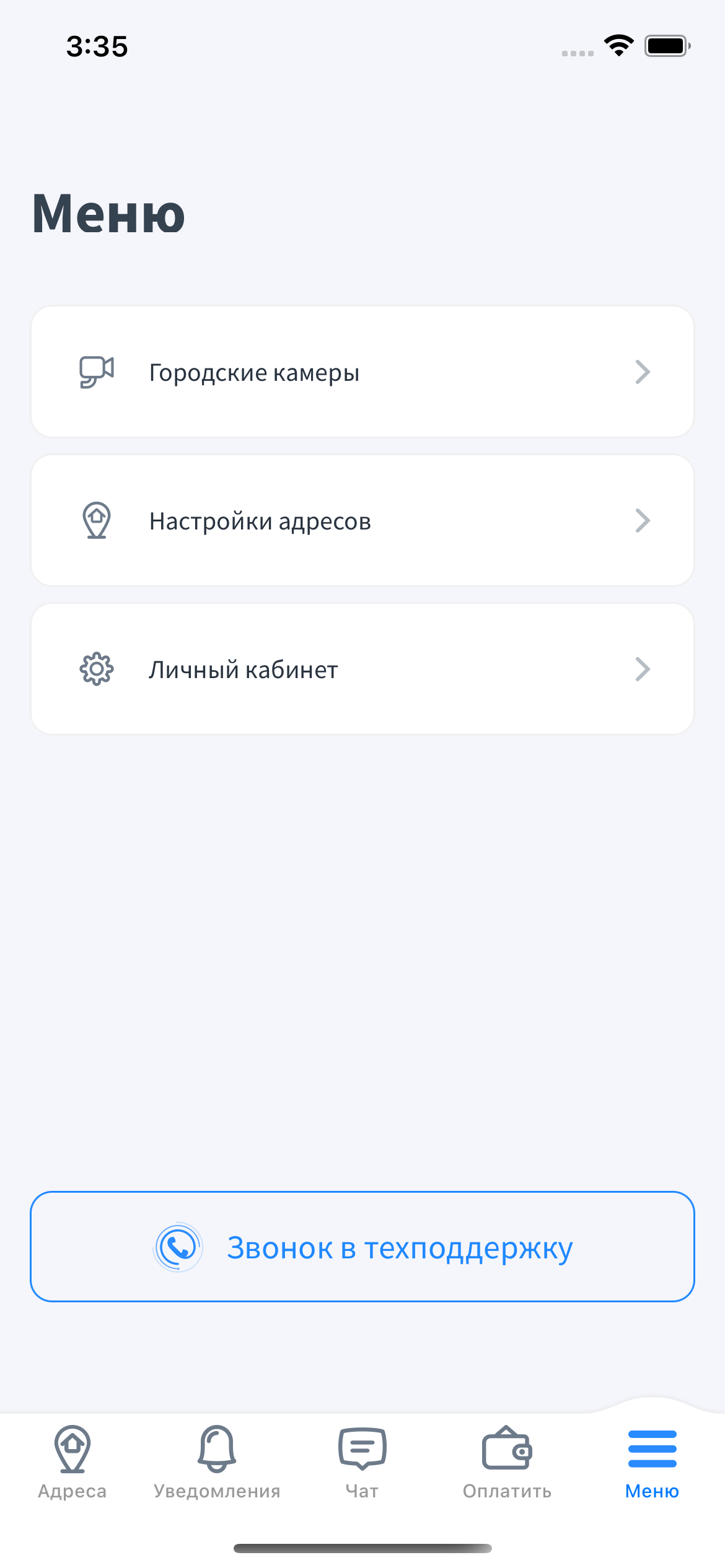
- The City Cameras menu provides access to public camera streams and allows sending archive access requests (direct archive access is unavailable).
- The Address Settings menu allows managing access, codes, and intercom behavior per address.
- The General Settings menu includes options for call delivery (CallKit / non-CallKit) and notification preferences.
- The app includes a Today screen widget and integrations with Siri and Shortcuts.
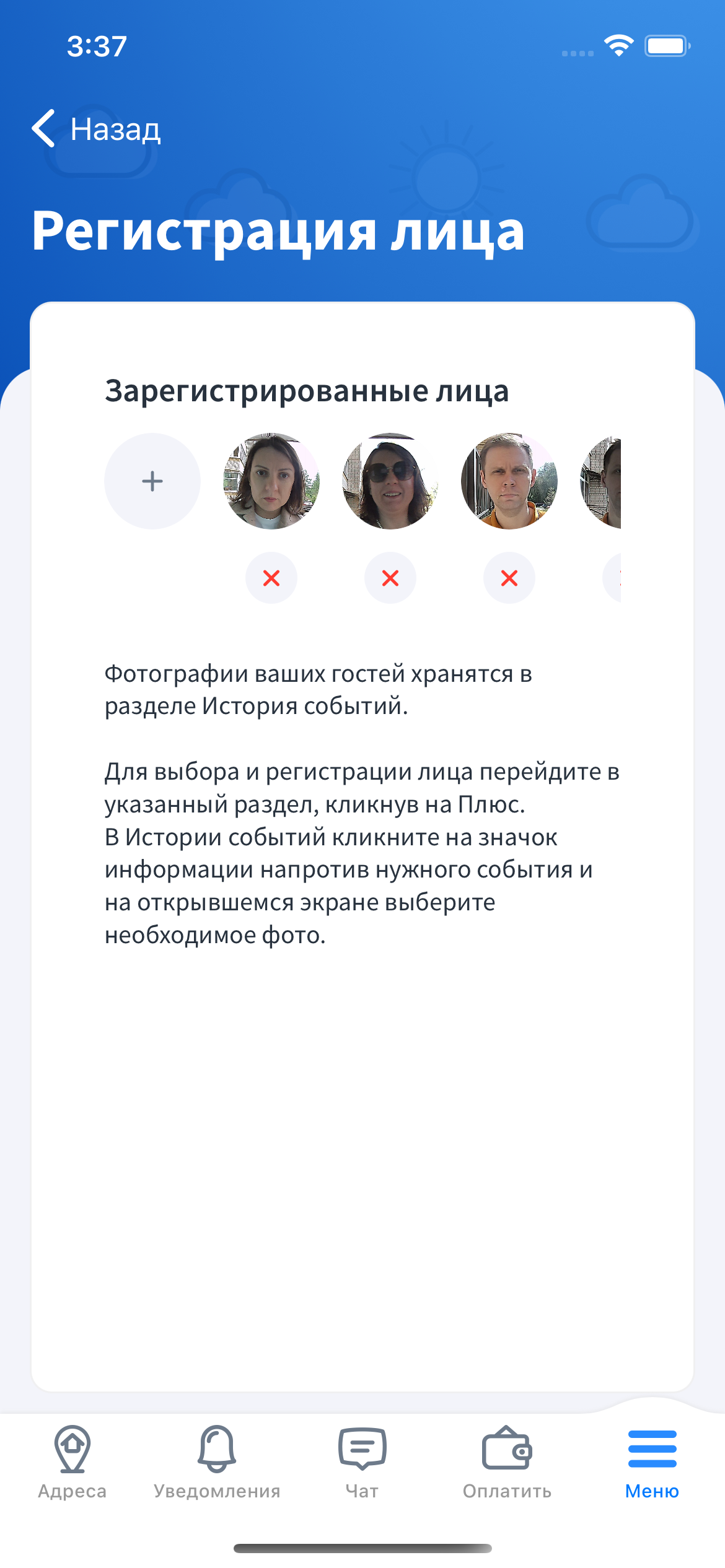
- For intercoms with facial recognition enabled, users can manage facial access. Residents can add/remove their faces via the event log or address settings, while Owners can also delete other users’ faces.
- Operator selection is available on first launch.
- Dark mode support.
API
The app uses our own API. (API documentation link)
Currently, the backend source code implementing the API is deeply integrated with our internal systems and cannot be separated. Therefore, you will need to implement the described API independently.
The API documentation includes an example integration between Asterisk and a mobile app using Linphone, which may help you understand the system’s structure.
Core Frameworks and Components
- CocoaPods — dependency management.
- linphone-sdk — SIP functionality.
- Flussonic — video archive handling.
- Firebase Cloud Messaging — push notifications.
- MapBox — mapping (requires API token registration here).
- Crashlytics — crash reporting.
- Yandex AppMetrika — user analytics.
- RxSwift — reactive programming.
- XCoordinator — MVVM + Coordinator architecture.
- Moya Swift — REST API abstraction.
- talk-me — user chat integration.
Design
If you need to modify the app’s design or find screen references in the code, our Figma layouts may be useful.
Screenshots










FAQ
Where can I get the GoogleService-Info.plist file for building the app?
This file contains Firebase configuration settings. You need to download it from the Firebase console after registering your project.
Setup instructions: https://firebase.google.com/docs/ios/setup
How do I add my own server to the list of supported operators?
Send your request to: sesameware@gmail.com
or contact us on Telegram: https://t.me/+39S-IGTfmMdmZDJi
License and Terms of Use
This project is released under the GNU GPLv3 license.
You may modify and use the code in your own (including commercial) projects, provided that you also publish your source code.
We also welcome pull requests if you wish to contribute your improvements to the main project.